 PearPass
How to Export Your Vault
Export your vault data for backups or to manage your items externally.
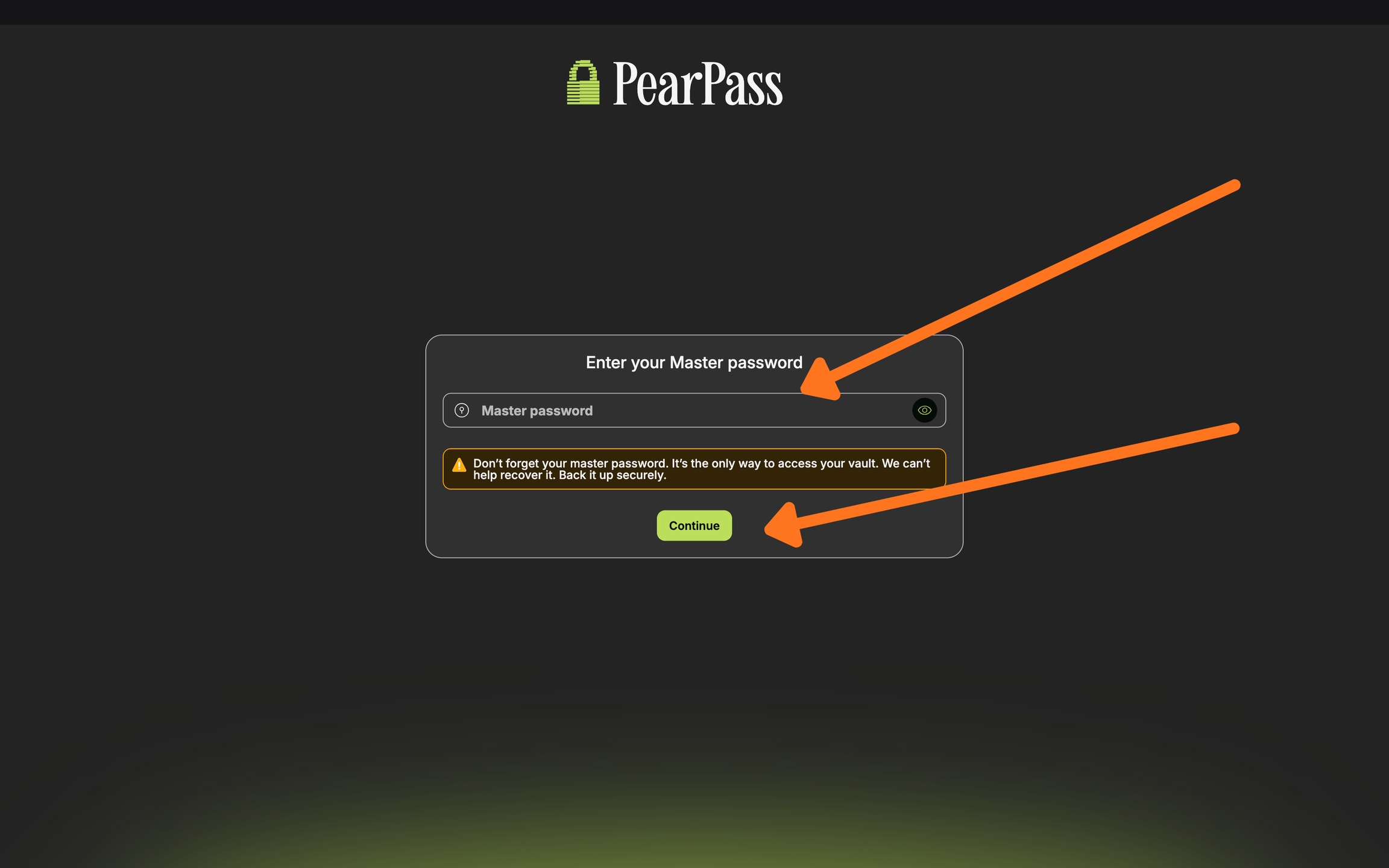
Open PearPass and sign in
Open the PearPass app and sign in with your master password.
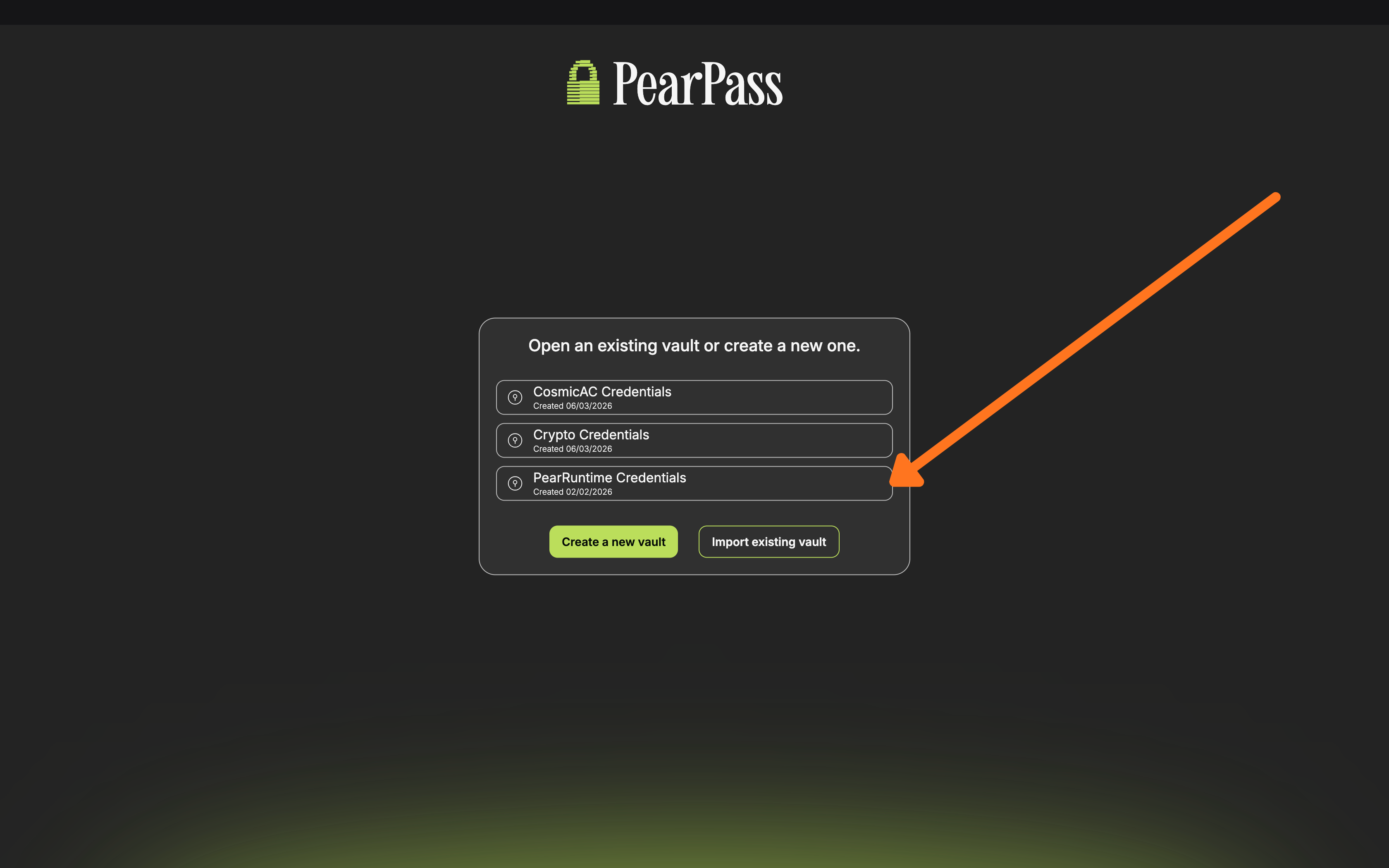
Select a vault
Select the vault you want to export.
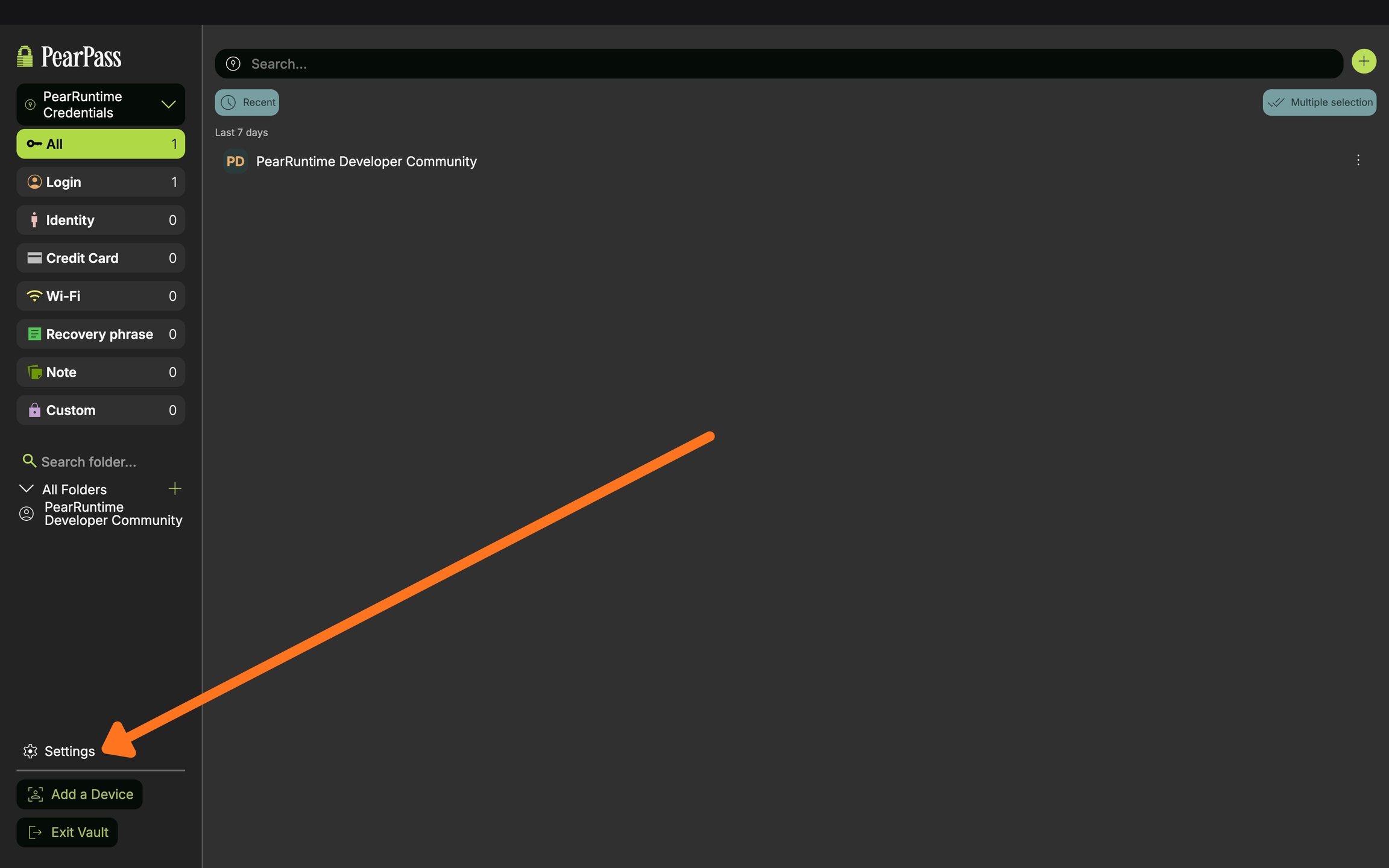
Open Settings
Click Settings.
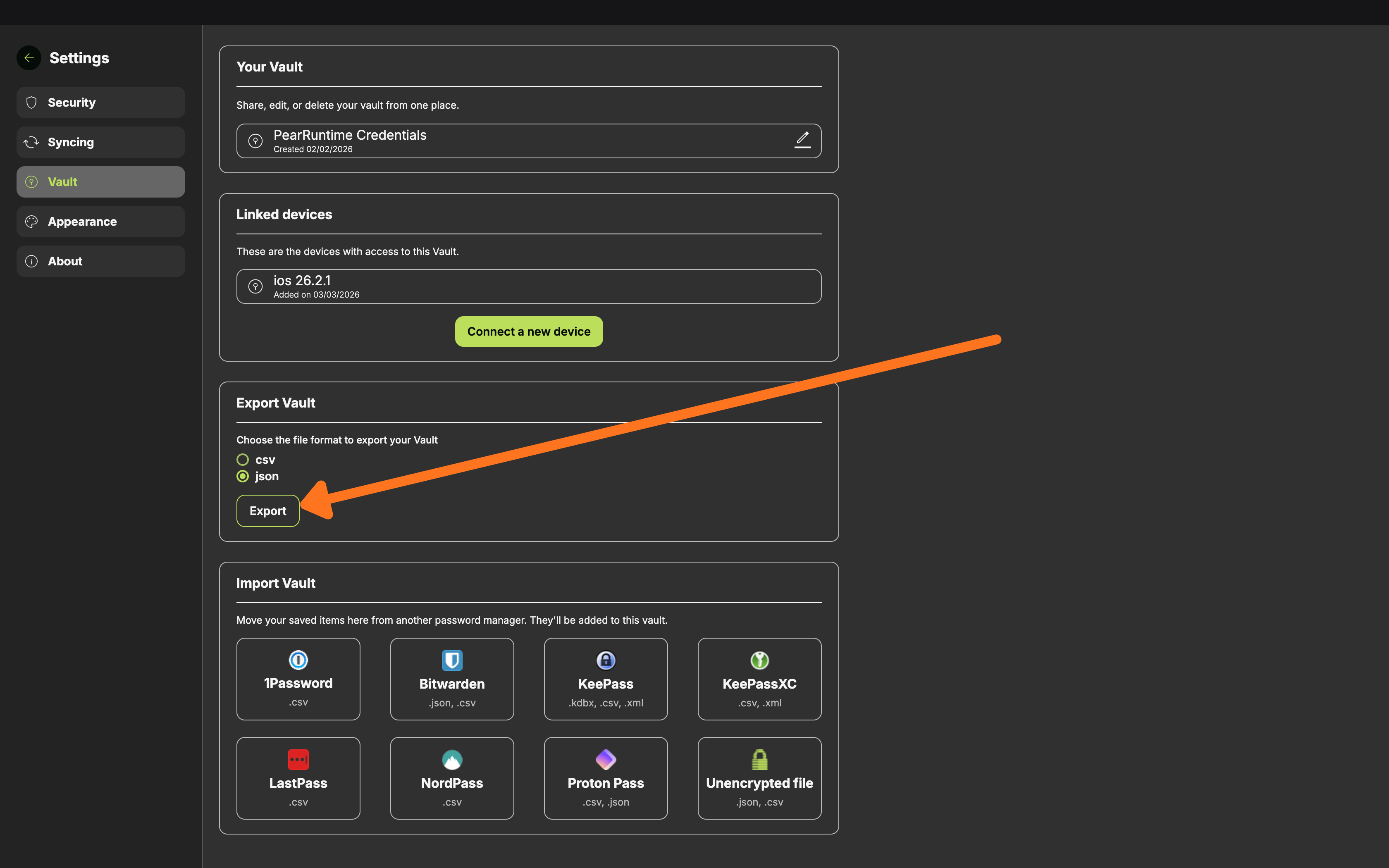
Export your vault
On the side menu bar, click Vaults. In the Vaults screen, navigate to the Export Vault section, select a format (.csv or .json), and click Export.
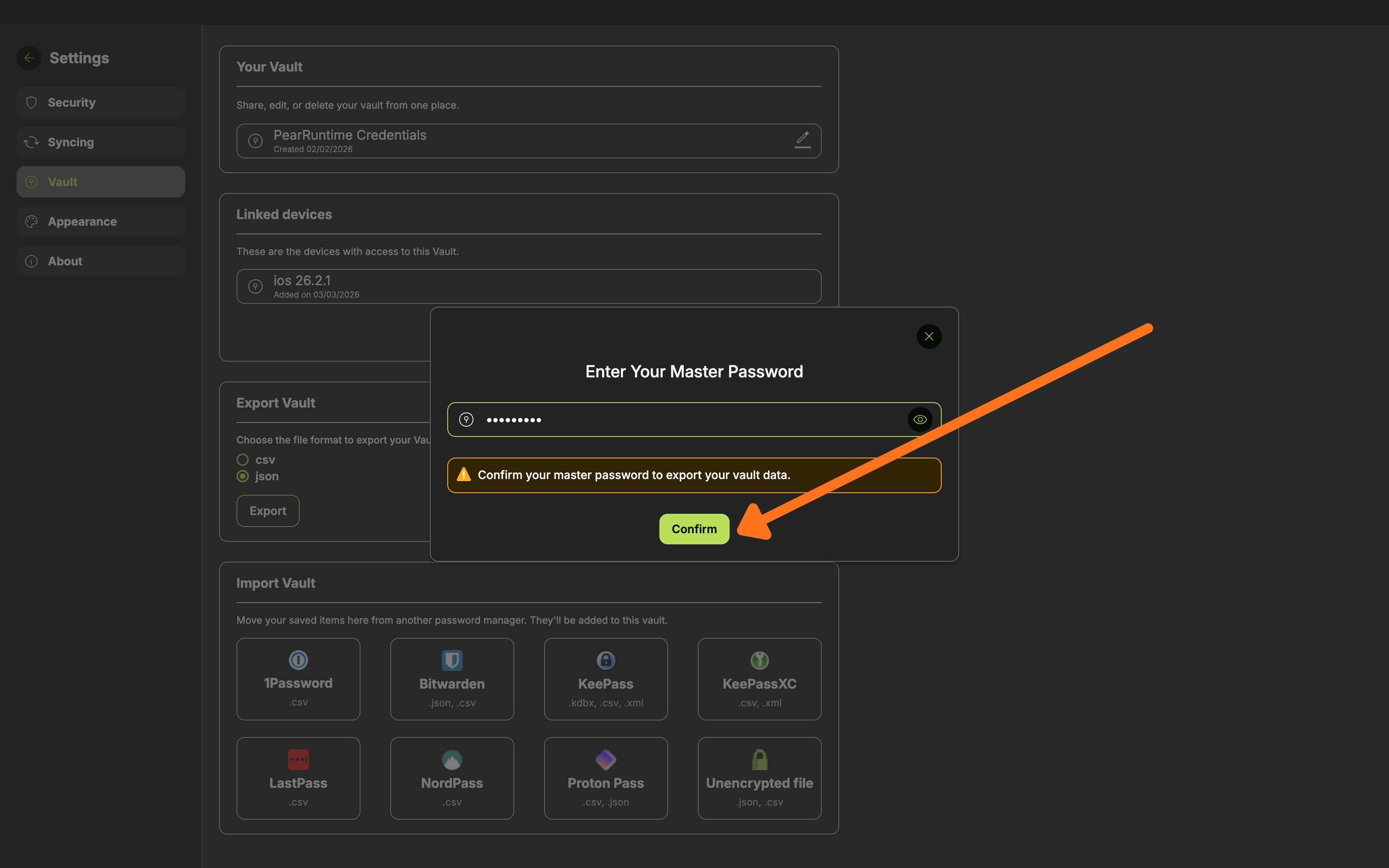
Confirm export
Enter your master password and click Confirm. Choose where to save the file on your device.
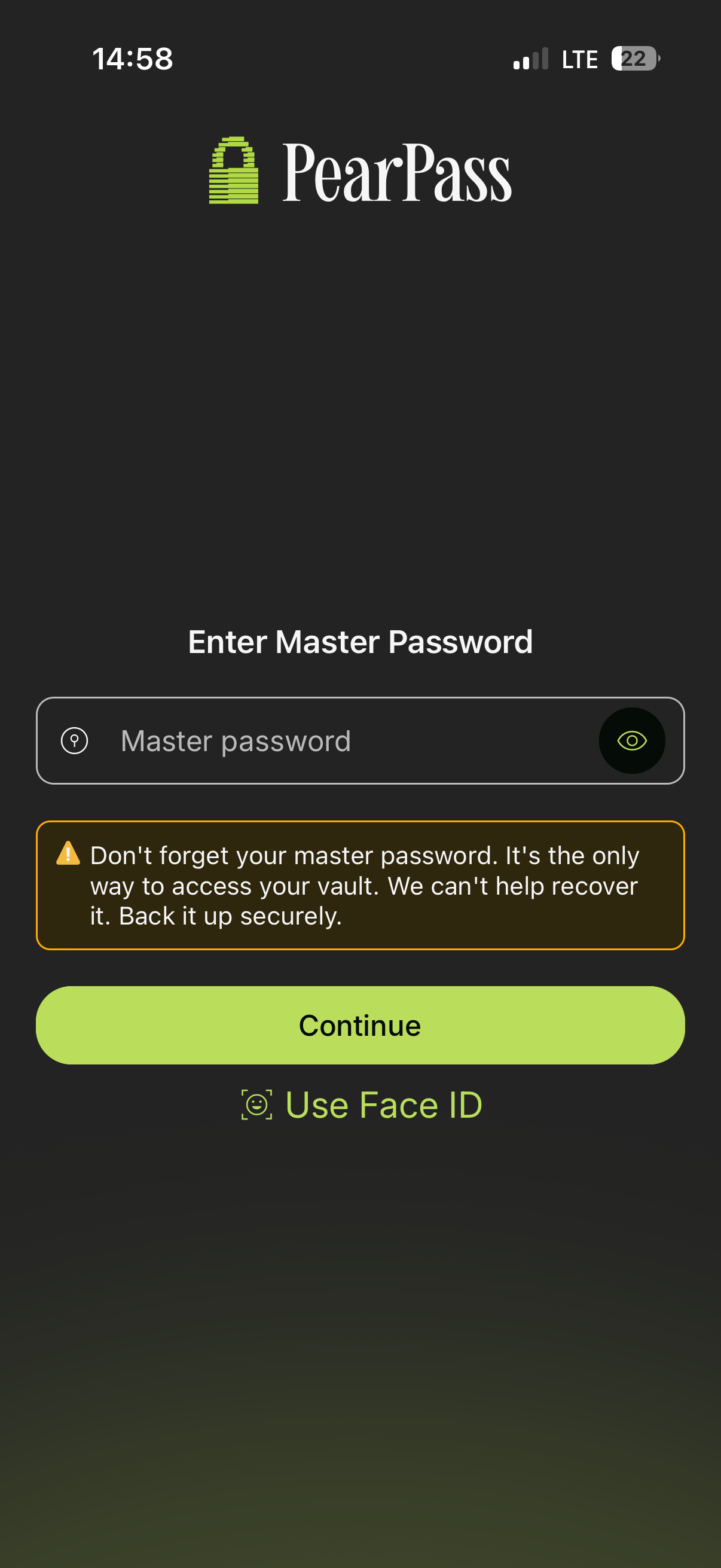
Open PearPass and sign in
Open PearPass on your mobile device and sign in with your master password.
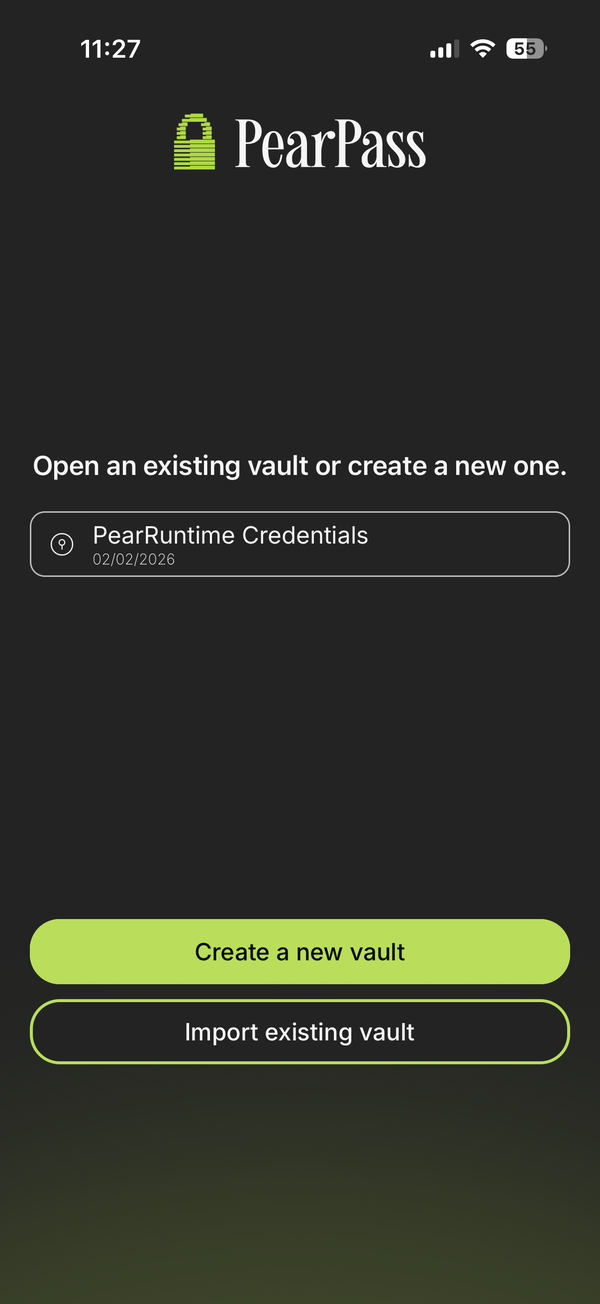
Select a vault
Select the vault you want to export.
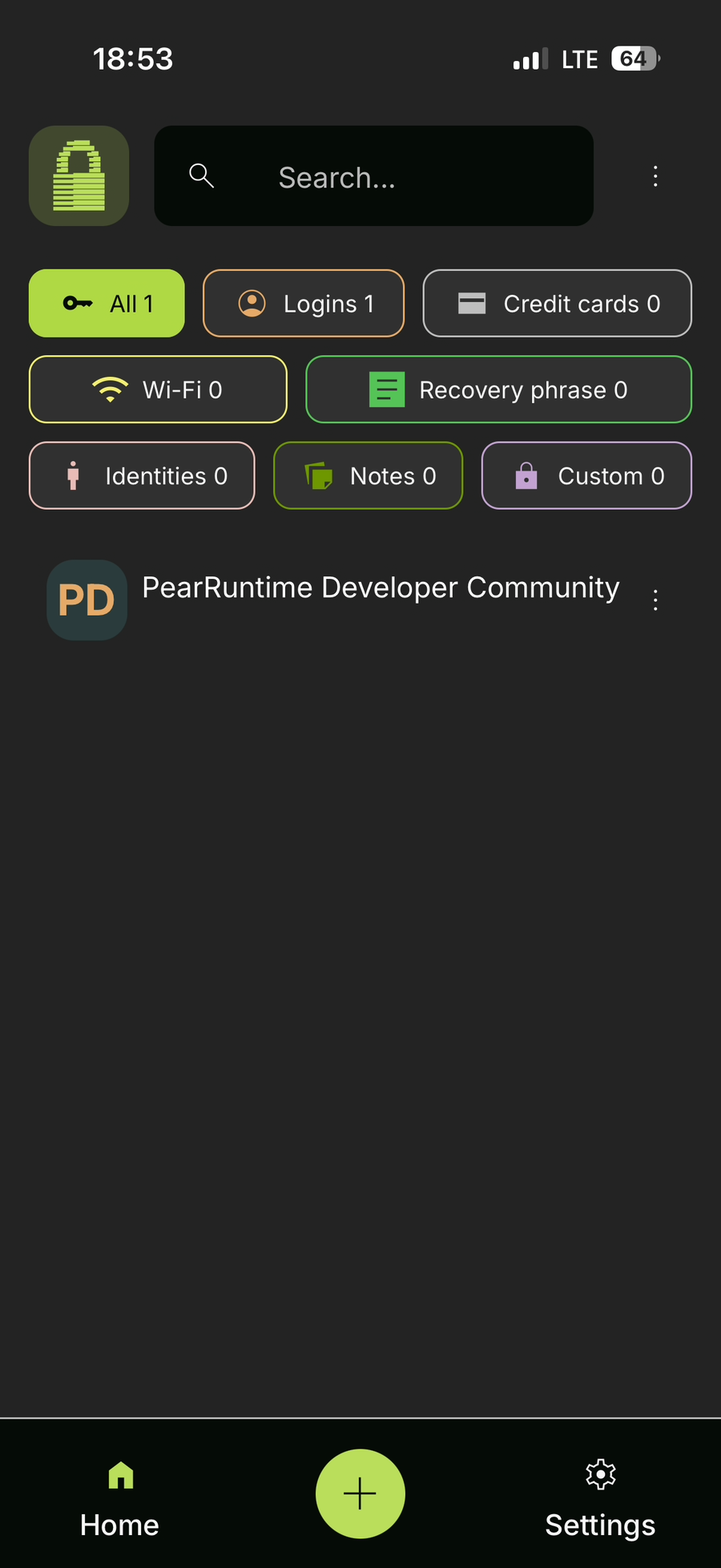
Open Settings
Tap Settings.
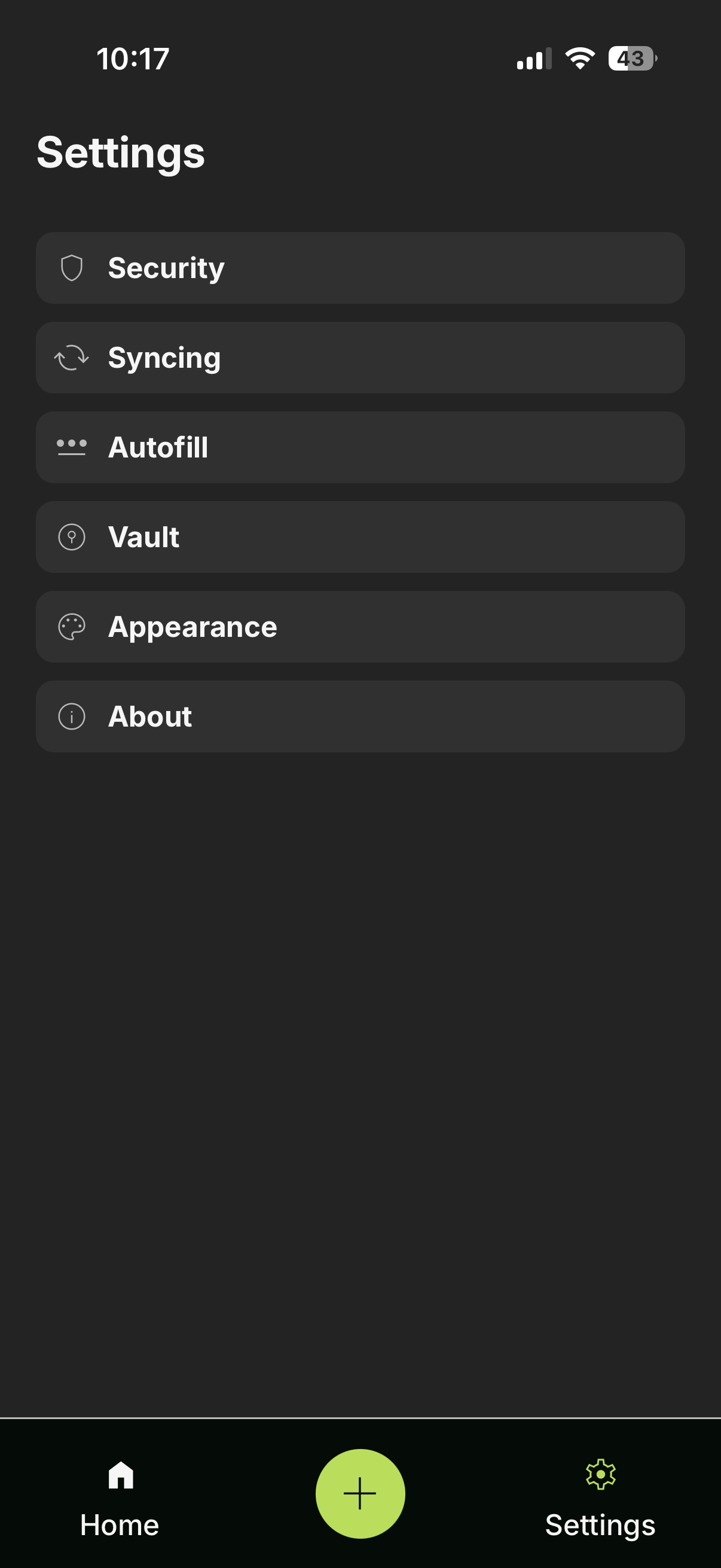
Open Vaults
Tap Vaults from the menu.
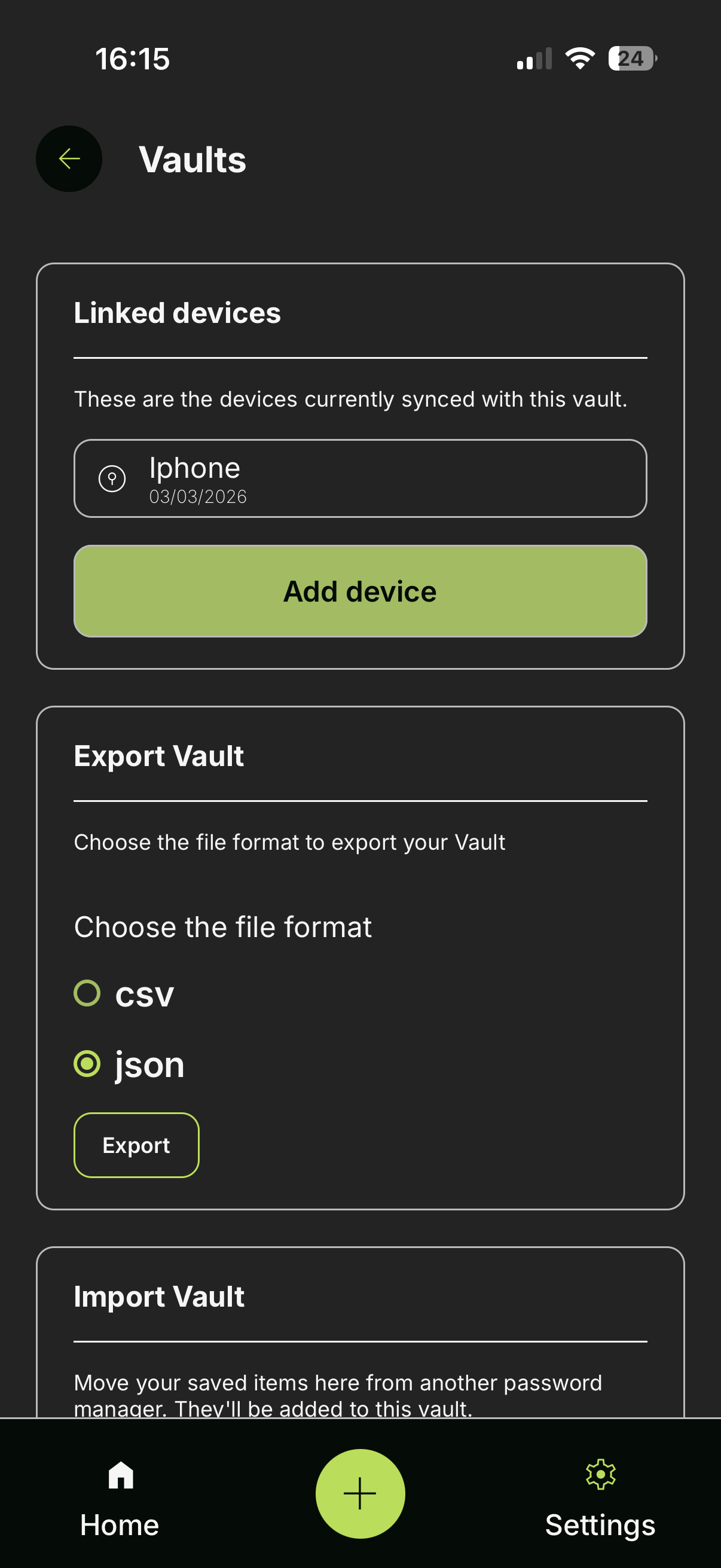
Export your vault
In the Vaults screen, navigate to the Export Vault section. Select a format (.csv or .json) and tap Export.
Confirm export
Enter your master password and tap Export. Choose where to save the file on your device.