How To Turn On Autofill

Autofill makes signing in to web apps faster and more convenient by suggesting saved credentials . PearPass currently supports autofill on mobile devices.

1

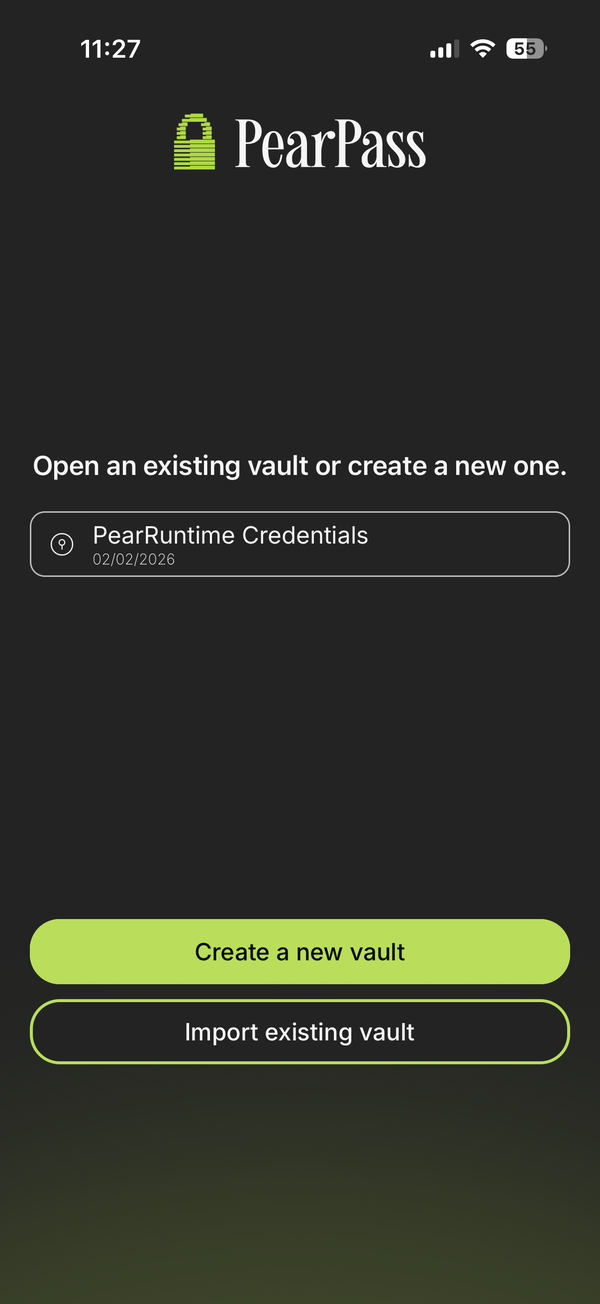
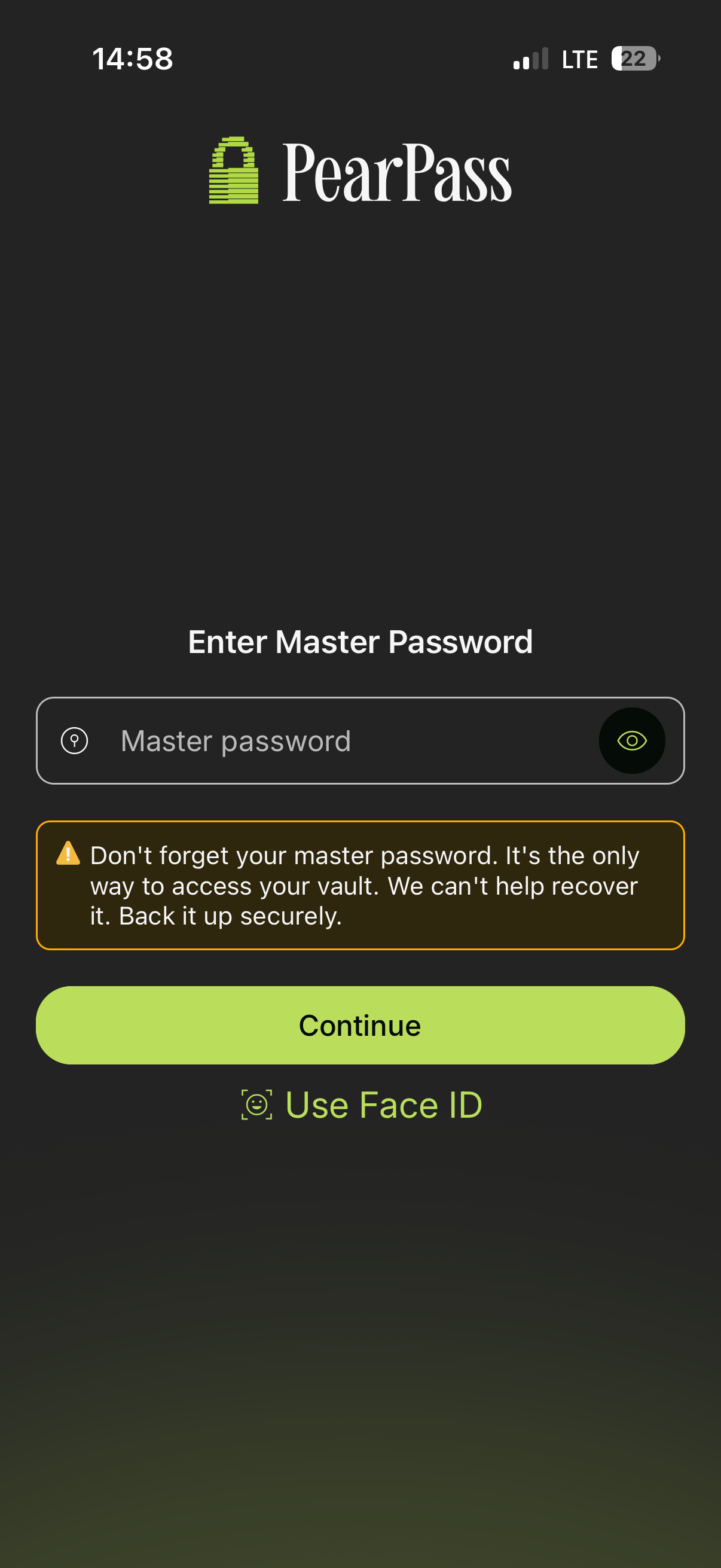
Open PearPass and sign in

Open the PearPass app, enter the master password, and sign in.

2

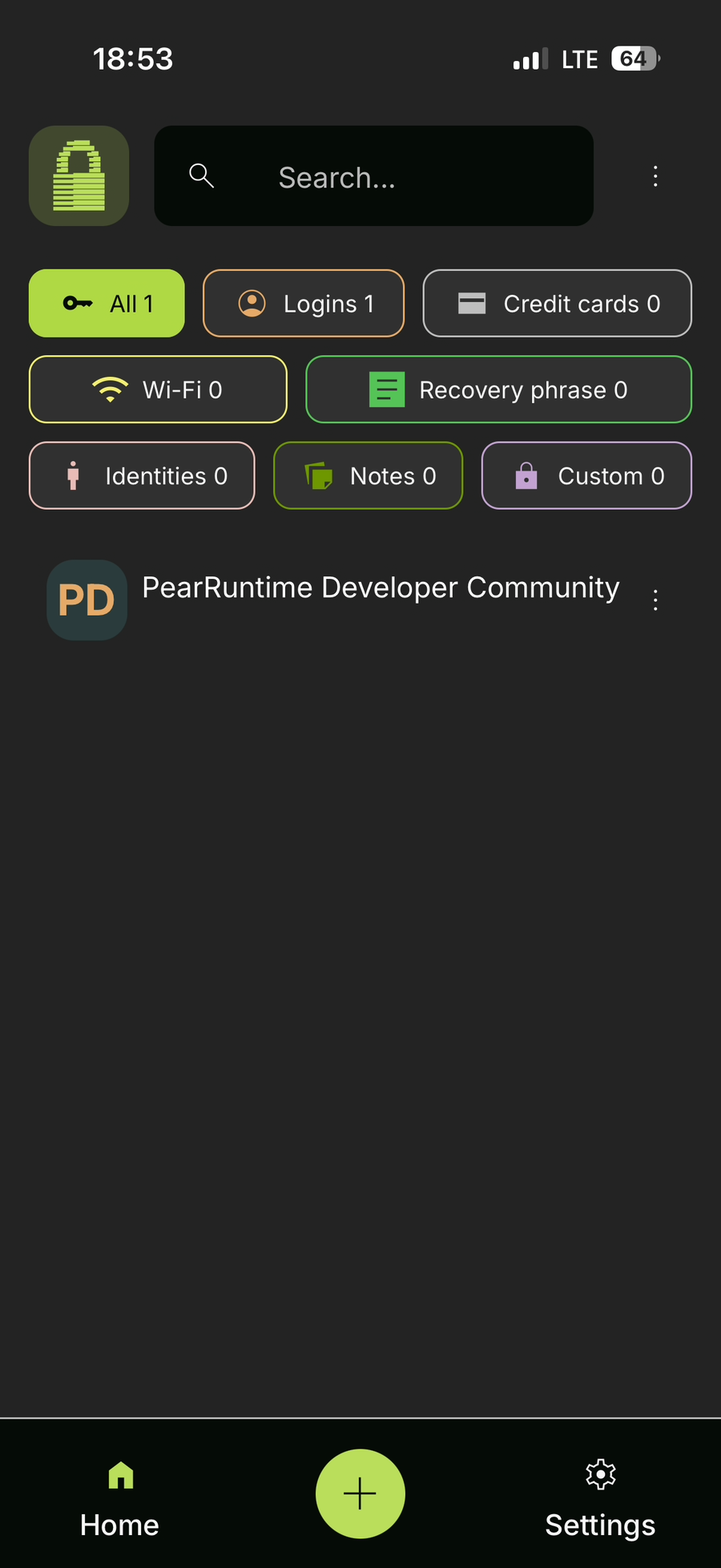
Select a vault

Choose any vault from your vault list.

3

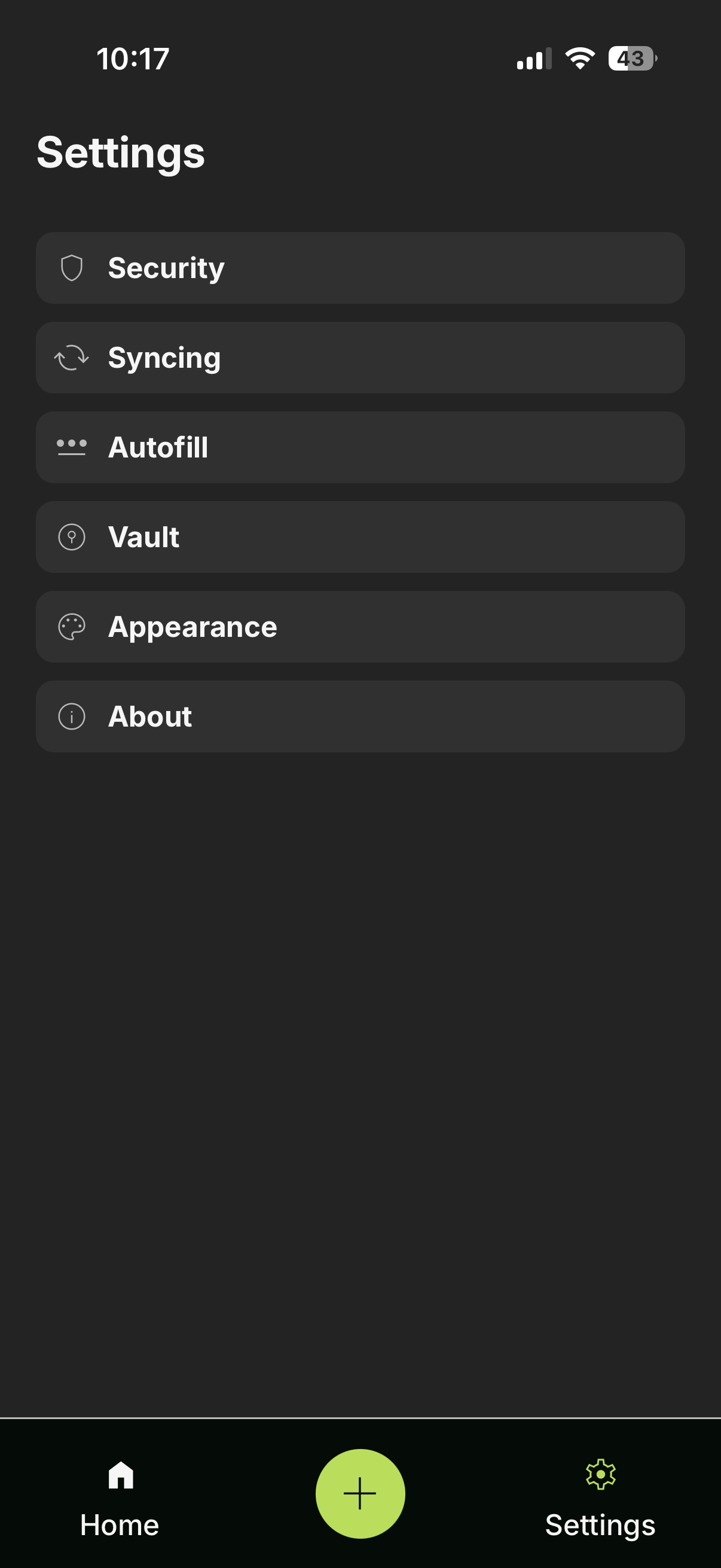
Open Settings

Click on the Settings icon.

4

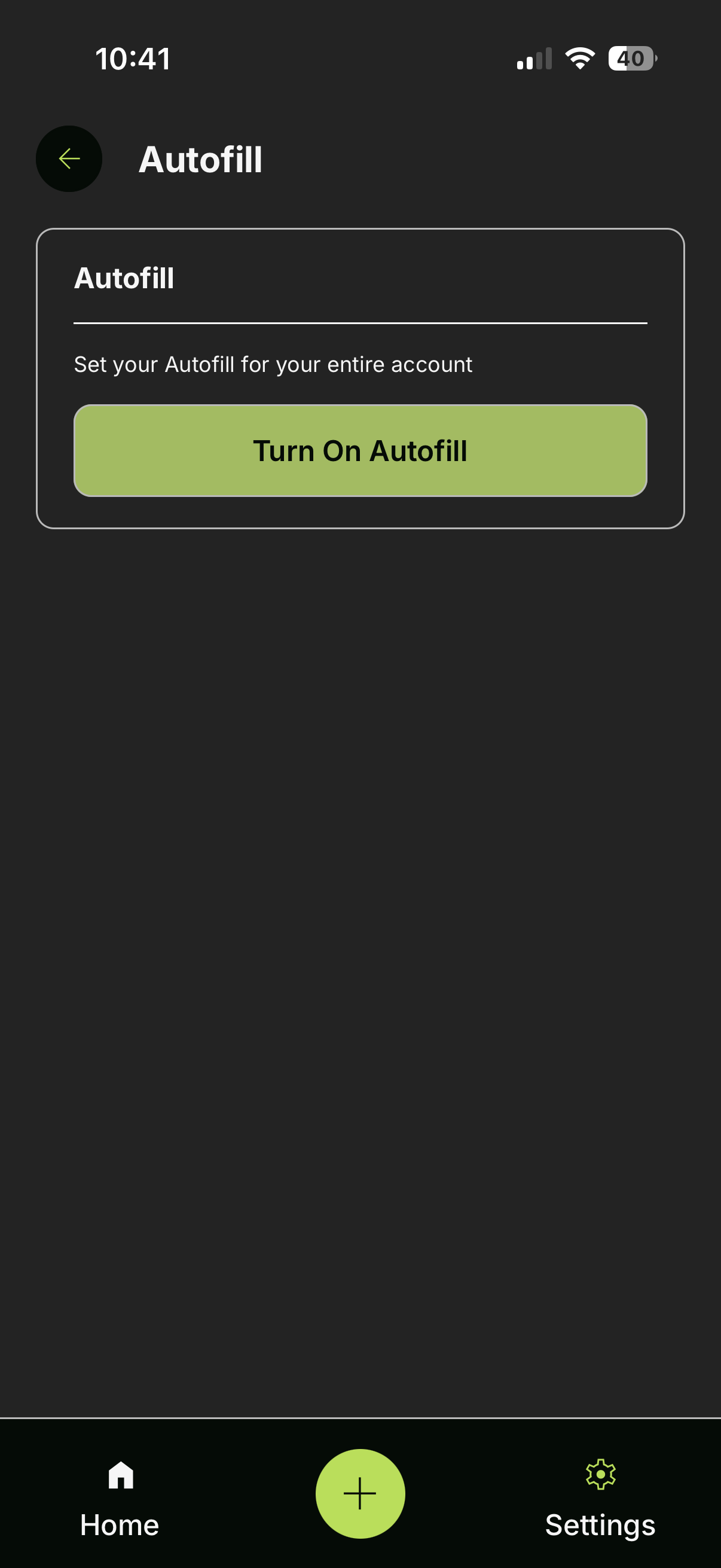
Manage Autofill

Go to the Advanced tab, then under the Autofill section, click on Manage autofill settings.

5

Enable Autofill on your device

Follow your device’s prompts to turn on autofill in your system settings.

Last updated